
Spreadsheet vs. App-Based Budgeting: Choosing Your Tracking Method

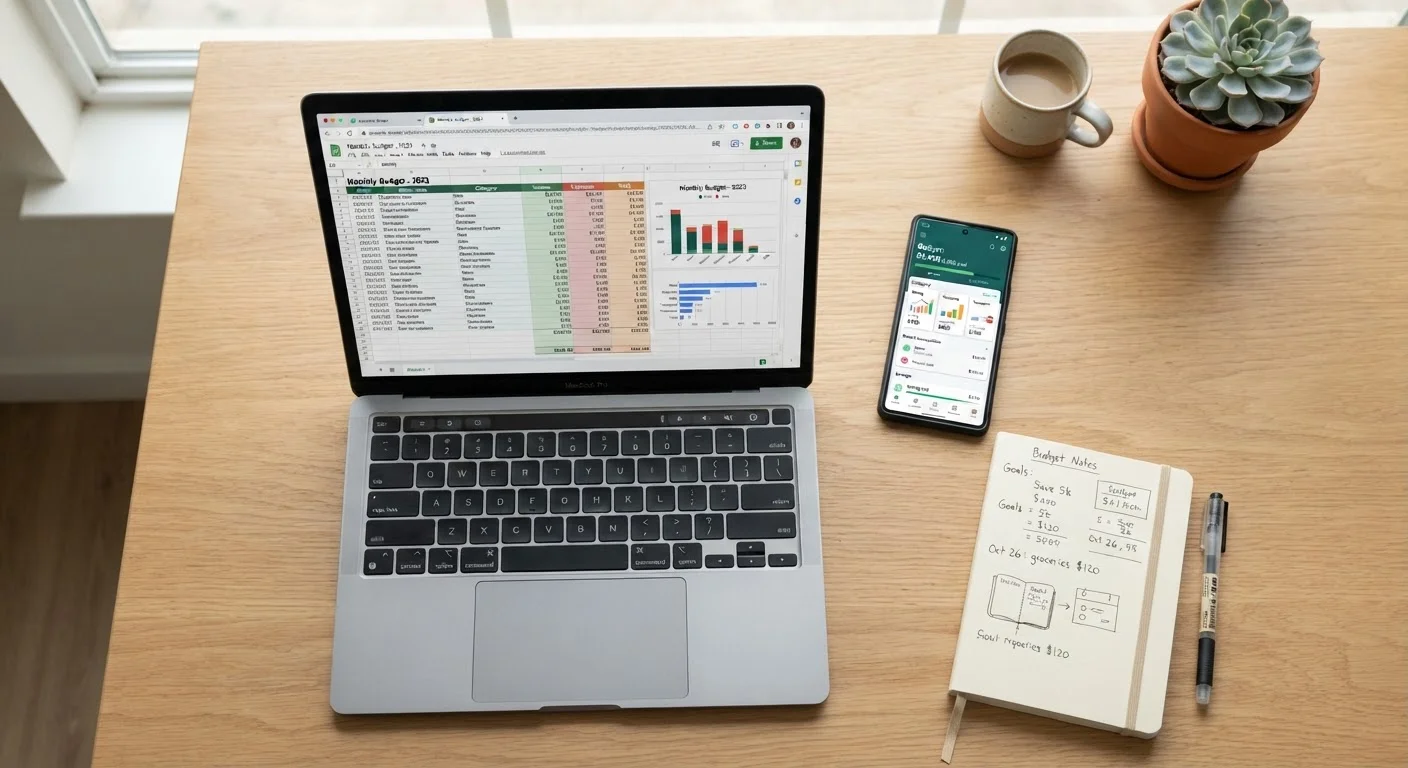
Photo: FaqsBay.com | Trending Blogs, Top Genres editorial
Key Takeaways
- Spreadsheets offer maximum flexibility and privacy but require consistent manual data entry.
- App-based budgeting automates transaction tracking but involves sharing financial account access.
- Neither method is universally superior — your consistency habits matter more than the tool itself.
- Many people find a hybrid approach works best once they understand each method's trade-offs.
What Each Approach Actually Involves
A budgeting spreadsheet — typically built in Google Sheets or Excel — is a manually maintained document where you record income, expenses, and categories yourself. You control the structure entirely: rows, formulas, color-coding, and custom categories are all up to you.
A budgeting app (such as those that link directly to your bank accounts) automates transaction imports and categorizes spending with minimal input. You set budget limits per category, and the app tracks progress in real time.
Understanding this core distinction — manual control versus automated convenience — is the starting point for every other trade-off. If you're still exploring which budgeting method (zero-based, 50/30/20, etc.) makes sense for your life, see our side-by-side breakdown of every major budgeting method before deciding on a tool.
Comparing the Two Methods
The table below summarizes how spreadsheets and apps stack up across the criteria most relevant to everyday budgeters.
| Criterion | Spreadsheet | Budgeting App | |
|---|---|---|---|
| Setup effort | Spreadsheet | High — build from scratch or use a template | Low — guided onboarding in minutes |
| Ongoing time commitment | Spreadsheet | High — manual entry required | Low — transactions import automatically |
| Customization | Spreadsheet | Unlimited — any structure you want | Limited — constrained by app design |
| Privacy | Spreadsheet | High — no third-party account access | Lower — requires linking bank accounts |
| Visual reporting | Spreadsheet | Manual — build your own charts | Built-in dashboards and trend graphs |
| Cost | Spreadsheet | Free (Google Sheets) or low cost | Free tiers available; premium plans vary |
| Best for irregular income | Spreadsheet | Yes — highly adaptable | Less flexible by default |
One dimension the table can't fully capture is behavioral fit. A spreadsheet demands that you show up regularly and enter data manually — that friction can actually be a feature, since it forces deliberate engagement with your spending. Apps lower the friction barrier, which helps some people stay consistent but can cause others to become passive observers of their own finances.
The Privacy and Security Trade-Off
Budgeting apps that link to financial accounts use bank-level encryption and are generally considered low-risk by cybersecurity standards. However, granting any third party read access to your accounts is a decision worth considering carefully. You're trusting that the app's security practices and data policies meet your personal standard.
Spreadsheets, by contrast, hold only the data you put into them. If stored locally or on a password-protected cloud account, they expose no financial credentials to external services. For users with high-value accounts, complex financial situations, or simply a strong preference for data minimization, this distinction matters.
Review App Permissions and Data Policies
Who Tends to Do Best With Each Tool
Spreadsheets tend to work well for people who:
- Have irregular or self-employment income and need flexible category structures
- Want to track custom metrics (e.g., net worth over time, debt payoff projections)
- Prefer not to connect bank accounts to third-party services
- Enjoy the process of manual review as a mindfulness habit
Apps tend to work well for people who:
- Have consistent, salaried income and predictable spending patterns
- Need automation to maintain any consistency at all
- Are managing a shared budget — many apps allow multi-user access, which can simplify the process described in budgeting as a couple
- Want visual dashboards and spending trend reports without building them manually
It's also worth noting that the envelope budgeting method translates well to both formats — some apps replicate it digitally, while spreadsheets can be built to mirror the same logic.
Making the Switch or Combining Both
You're not permanently locked into either method. Many people start with an app to understand their baseline spending patterns, then migrate to a spreadsheet once they want more control. Others do the reverse — building a spreadsheet first and adopting an app when life gets busier.
A hybrid approach is also viable: use an app to automatically capture transactions, then export that data monthly into a spreadsheet for deeper analysis or long-term projections. This combines automation with customization, though it does add a step to your workflow.
Whatever tool you choose, the underlying discipline — reviewing your spending, adjusting categories, and staying aligned with your goals — is what produces results. For broader strategies on building savings and managing debt alongside your budget, the Saving & Debt hub offers a range of frameworks to complement your tracking method.
This article is for general informational and educational purposes only and does not constitute personalized financial advice. Consult a qualified financial professional for guidance specific to your situation.
The content provided on our blog site traverses numerous categories, offering readers valuable and practical information. Readers can use the editorial team’s research and data to gain more insights into their topics of interest. However, they are requested not to treat the articles as conclusive. The website team cannot be held responsible for differences in data or inaccuracies found across other platforms. Please also note that the site might also miss out on various schemes and offers available that the readers may find more beneficial than the ones we cover.